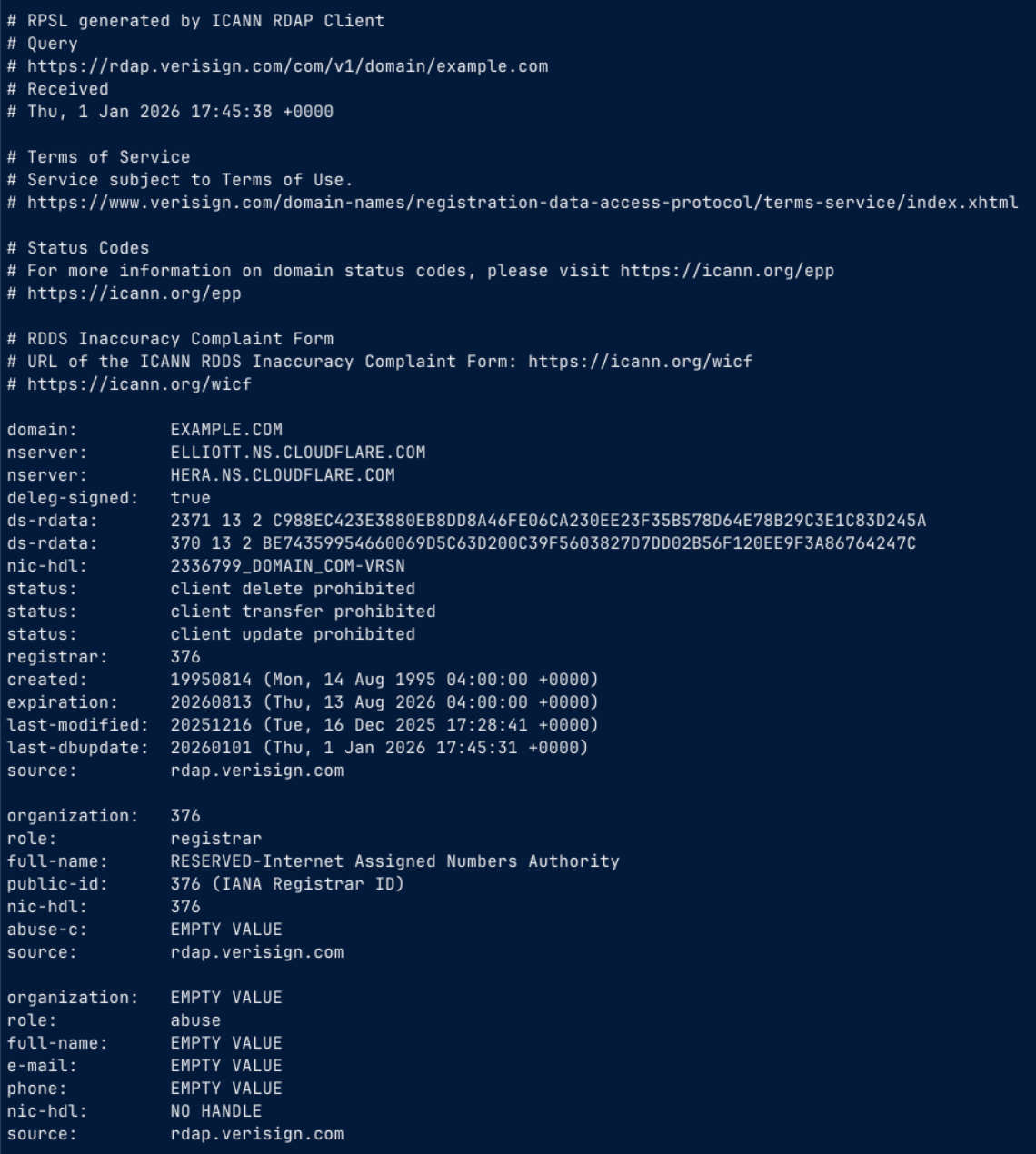
The rdap Command
Quick Start
Basic Queries
- Domain:
rdap example.com - TLD:
rdap .com - IP Address:
rdap 192.0.2.1 - CIDR:
rdap 10/8 - RIR Search:
rdap up:192.0.2.1 - ASN:
rdap as64496 - GeoFeed:
rdap -O geofeed 81.93.181.144 - URL:
rdap https://rdap.iana.org/domain/com
Command Help
- brief:
rdap -h - extended:
rdap --help
Querying Specific Servers
- Using registered servers:
rdap -b arin GOOGL( note: all the RIRs are registered ) - Using base URLs:
rdap -B https://rdap.arin.net/registry GOOGL - Using full URLs:
rdap https://rdap.arin.net/registry/entity/GOOGL
About
The rdap command is an easy-to-use, full-featured, command-line interface (CLI) client for RDAP.
It supports RDAP bootstrapping, caching, different output formats,
link following, filtering, and features useful for scripting.
The following extensions:
- Cidr0
- Exts
- Geofeed
- JSContact
- Redacted
- RirSearch1
- SimpleRedaction
- Ttl0
Example Rendered Markdown Output
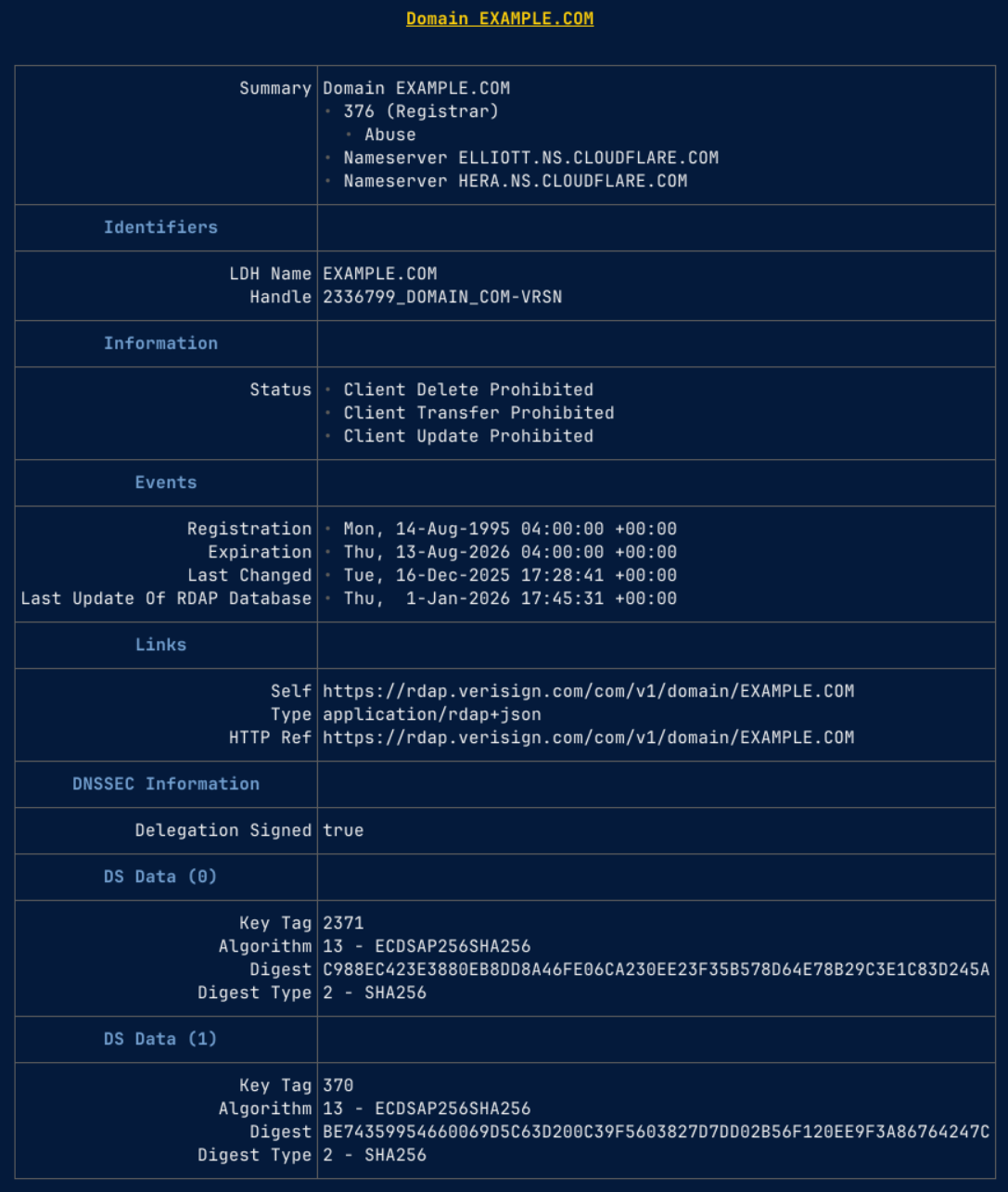
Example RPSL Output